Case Study
Youtube Packaging Tip #10: The 3 Goals of a Thumbnail
Most thumbnails only do 1 of these 3 things effectively. Here's what great thumbnails do differently (The 3 Goals of a Thumbnail)
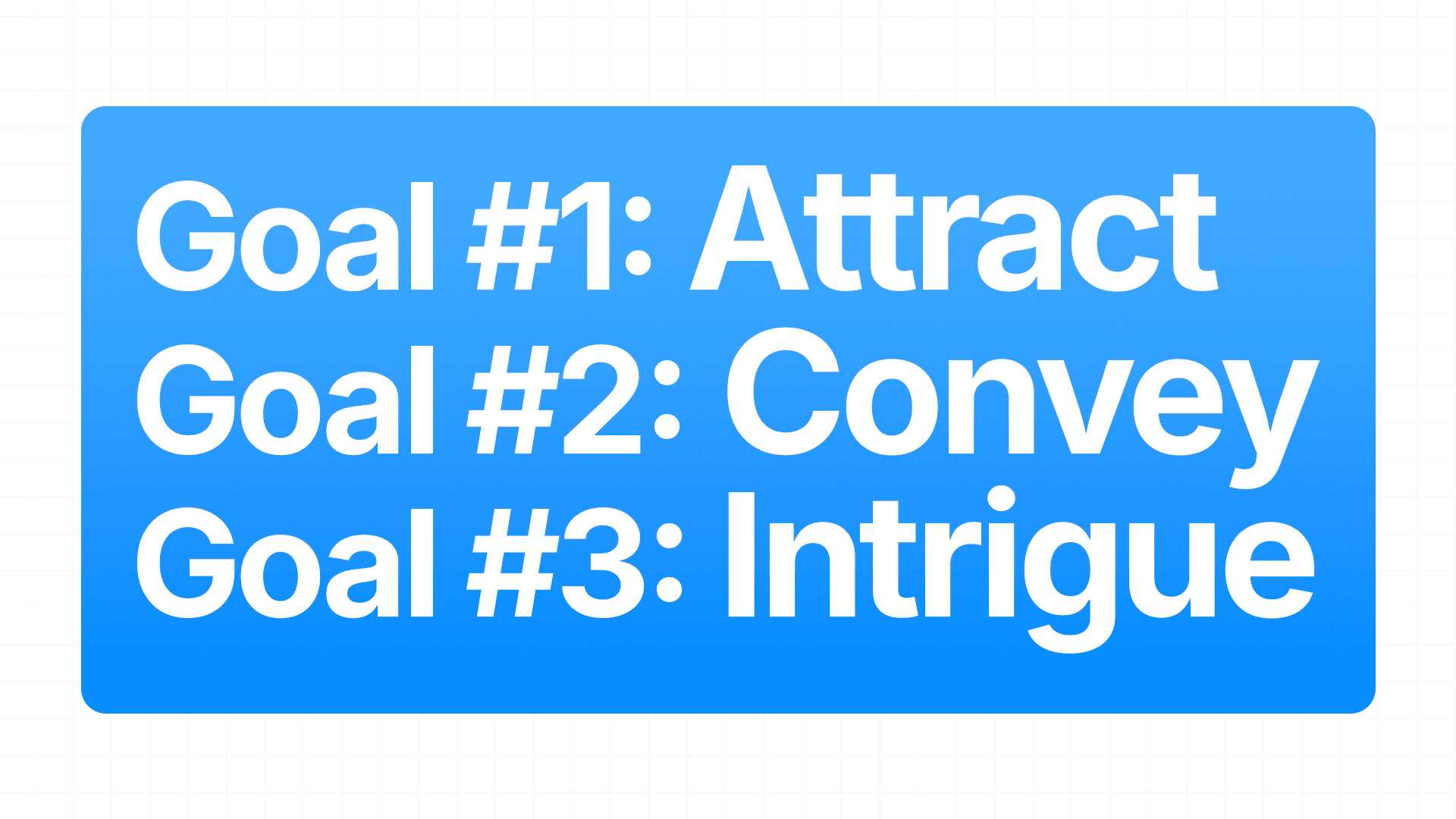
Goal #1 is Attract: This is about HOW your thumbnail stands out
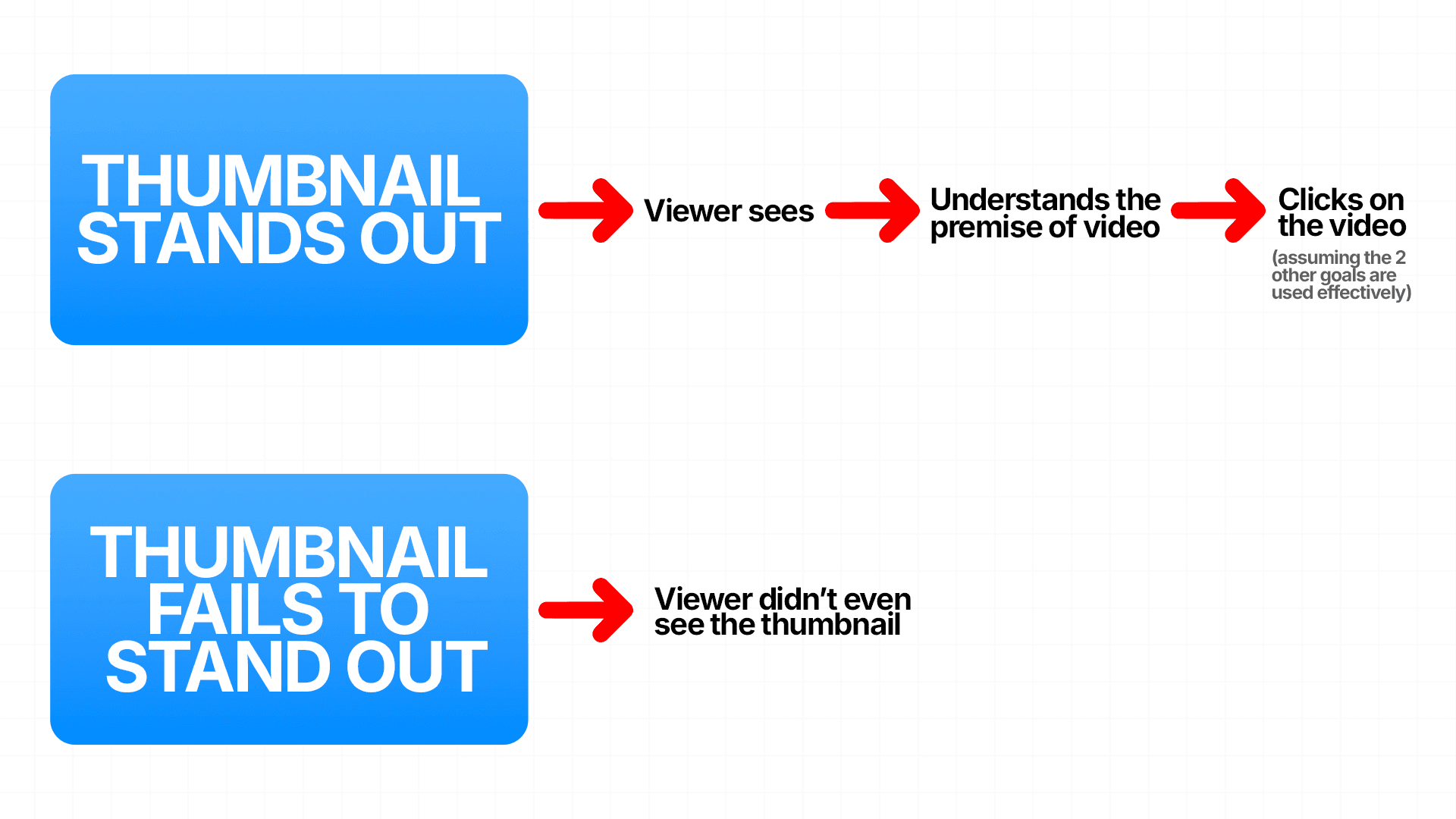
The goal is to stop the potential viewer from scrolling past your video on the YouTube homepage. This can be done with Scroll Stoppers
Use: Bright Colours, Contrast, Text, Branding, Glows, Faces, Aesthetically Pleasing thumbnail, Weird/Unique Element and there are many more ways to do this!
But it is a crucial part that determines if your thumbnail will be successful or unsuccessful. This is because if the first goal is not achieved, by which I mean if the thumbnail doesn't stand out, the next two goals are of no use.
Goal #2 is Convey: HOW does a thumbnail communicate the video's value?
The thumbnail needs to instantly tell the viewer what the video is about. no confusion, no guessing. The viewer should understand the topic, the tone, and why it's worth their time all within 1-3 seconds.
The combination of the elements in the thumbnail should leave zero doubt about what the video delivers
Clarity has to come first. Once they understand what they’re looking at, THEN the curiosity gap (THIRD GOAL) gets the click.
Don’t make the viewer try to figure out or understand what your video is about. It needs to be as clear as possible and then aim to leave an open loop that makes them ask a question they need to click to answer
and finally...Goal #3 is Intrigue: How does a thumbnail create curiosity?
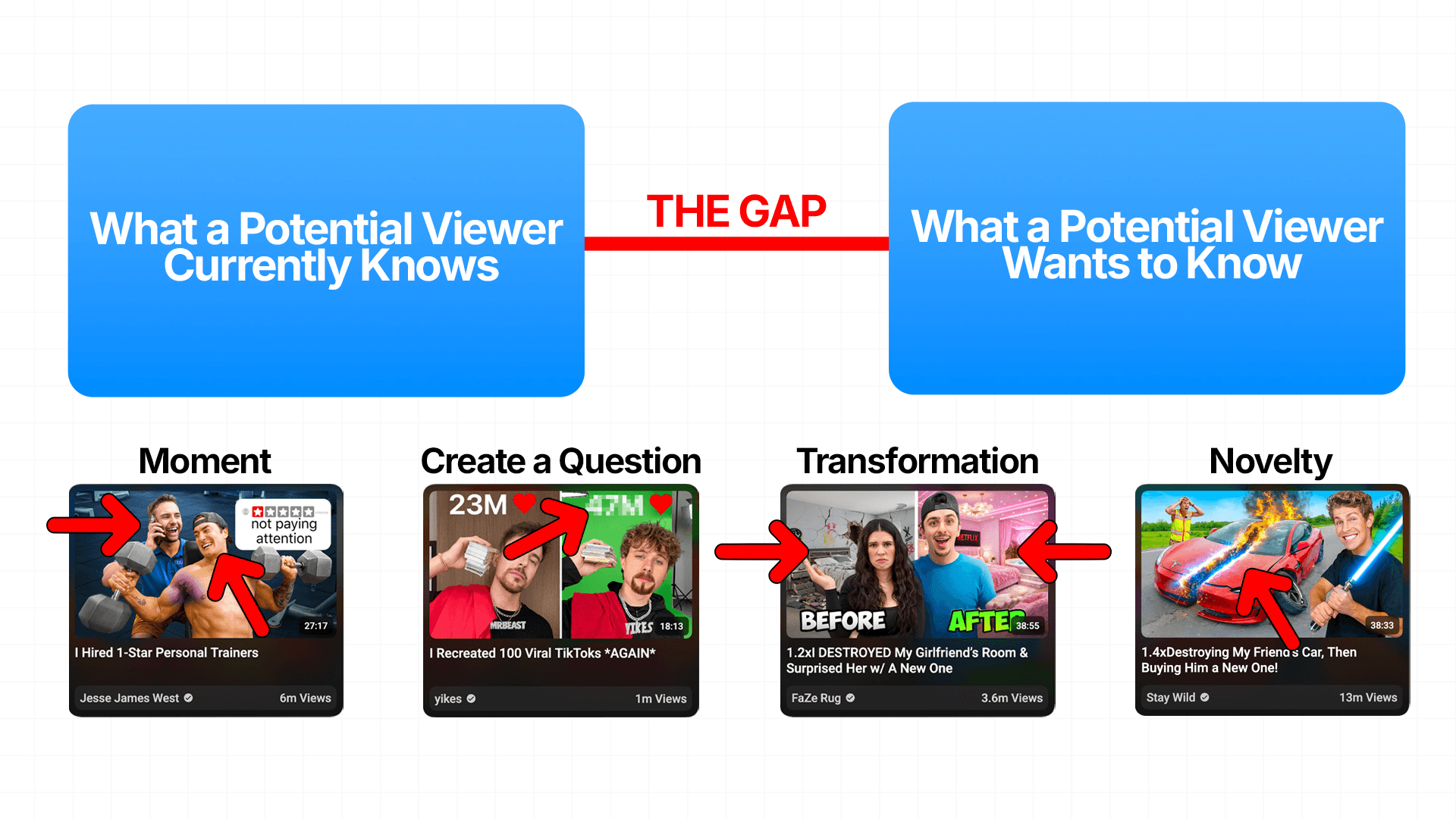
For this, you need to use a curiosity gap, which is the gap between:
What a Potential Viewer Currently Knows vs What a Potential Viewer Wants to Know (the wider that gap, the stronger the urge to click)
There are a few ways to effectively create a curiosity gap by using certain thumbnail formats:
Moment: shows a moment right before a powerful reaction. The viewer wants to know what happens next
Create a Question: Introduce a question into the viewer's mind that they want the answer to
Transformation: Show the start/before vs the finish/after
Novelty: Elements in the thumbnail that the viewer has never seen before
But you should not mislead the viewer in pursuit of achieving this goal. If your video idea is good, then the thumbnail concept you choose should have a curiosity gap naturally.
What I have seen time and time again is that most thumbnails fail at step one and never get a chance at the other two. Nail all three and impressions will become clicks